Automatic mode is useful until it changes the frame at the wrong time. Control is not about making the phone complicated. It is about deciding which settings should stay stable while the subject, light, or camera moves.
Lock what needs to stay consistent
For photos, focus and exposure lock are usually enough. For video, consistency matters more: exposure, white balance, frame rate, and focus can shift while recording. A third-party camera app can help when the default camera keeps making decisions you do not want.
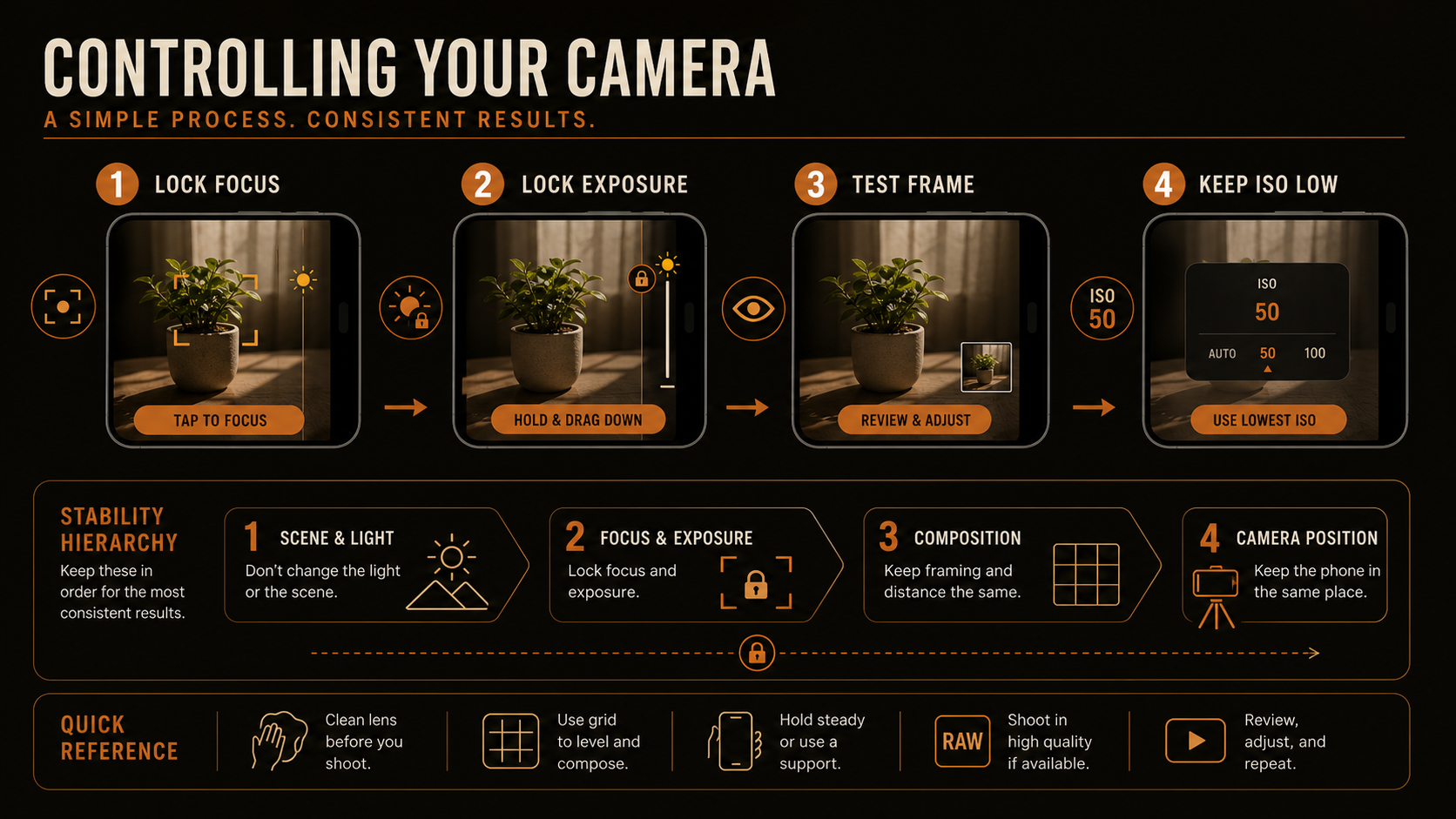
- Lock focus when the subject distance is not changing.
- Lock exposure when brightness changes would distract from the subject.
- Keep ISO low when possible to avoid noisy files.
- Use manual apps when the default camera will not hold the settings you need.
Primary teaching tool
Camera control priority panel
Use this panel to separate what to lock, what to leave automatic, and what to test before the real take starts.
Field checklist
Set the camera, make a test frame, review it at full brightness, then shoot the real take. A thirty-second check can save an hour of editing.
Lesson handoff
After the controls are stable, use field habits that keep the workflow fast and repeatable.