Lighting is not only brightness. It is direction, size, color, and contrast. A phone can make strong content when the light is doing useful work. It struggles when mixed light, hard shadows, and strange color are all fighting the subject at once.
Read the light before you shoot
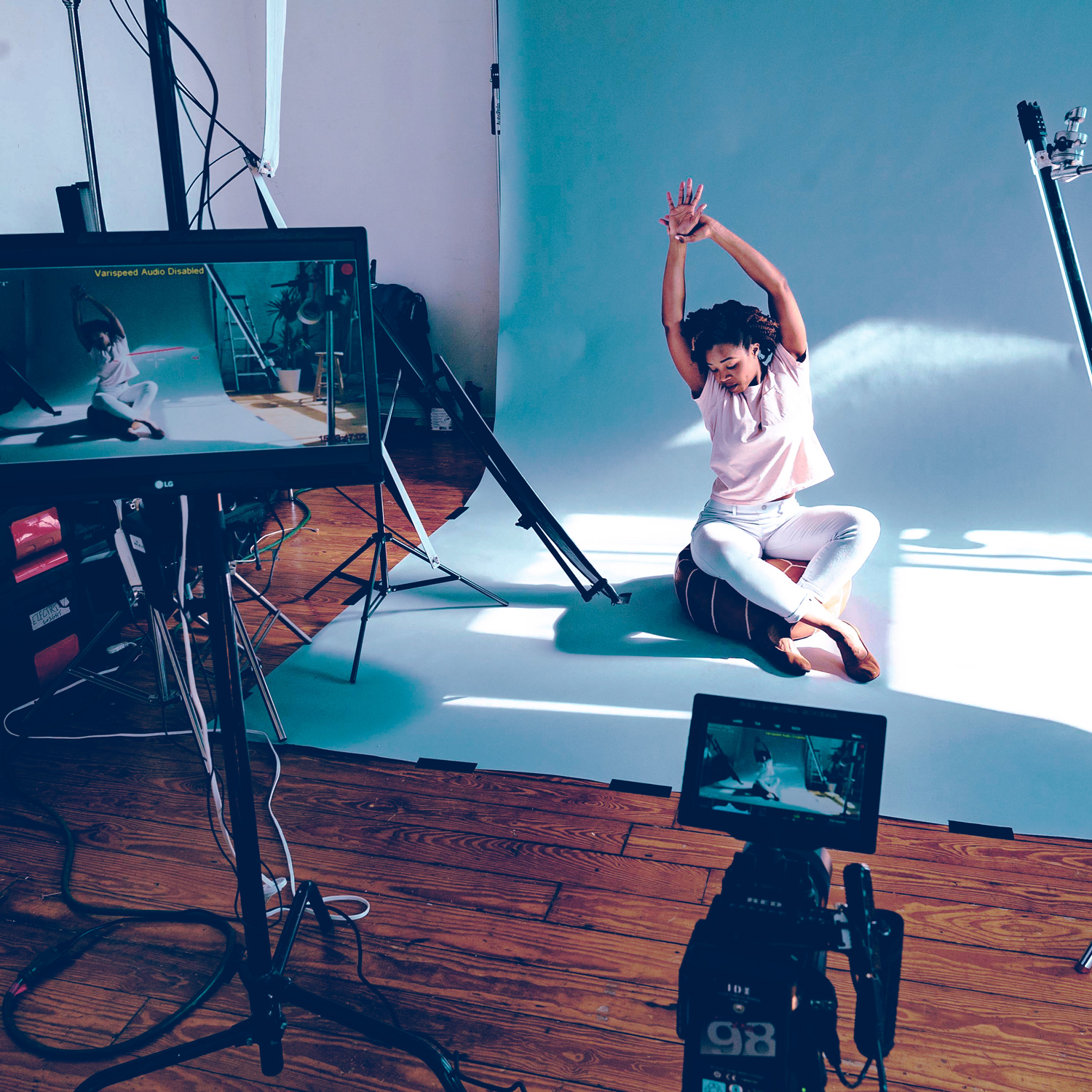
Look for the main source first. Window light, overhead light, a small LED, and direct sun all create different problems. Move the subject before you change the camera. Turn off ugly mixed sources when possible. If the room is warm and the window is cool, decide which color should win.
- Use soft window light when you need clean skin or product texture.
- Avoid mixing daylight and warm room lamps unless the contrast is intentional.
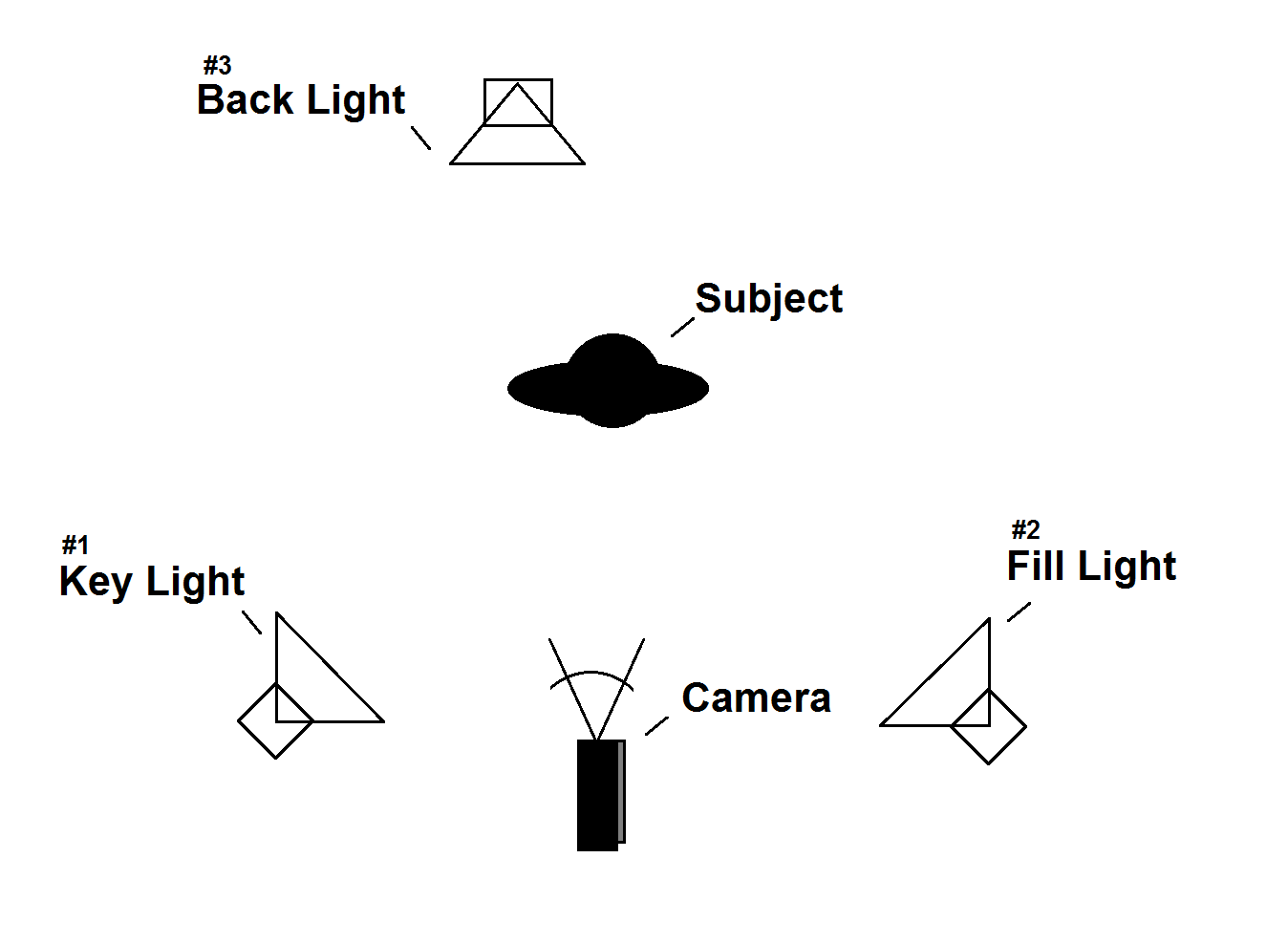
- Put the light in front or slightly to the side of the subject for safer results.
- Watch color shifts before recording a full clip.
Field checklist
Move the subject, then move yourself, then change the phone settings. That order saves time and prevents the edit from becoming a rescue mission.
Next step
Once the light is working, composition decides whether the viewer understands what matters in the frame.